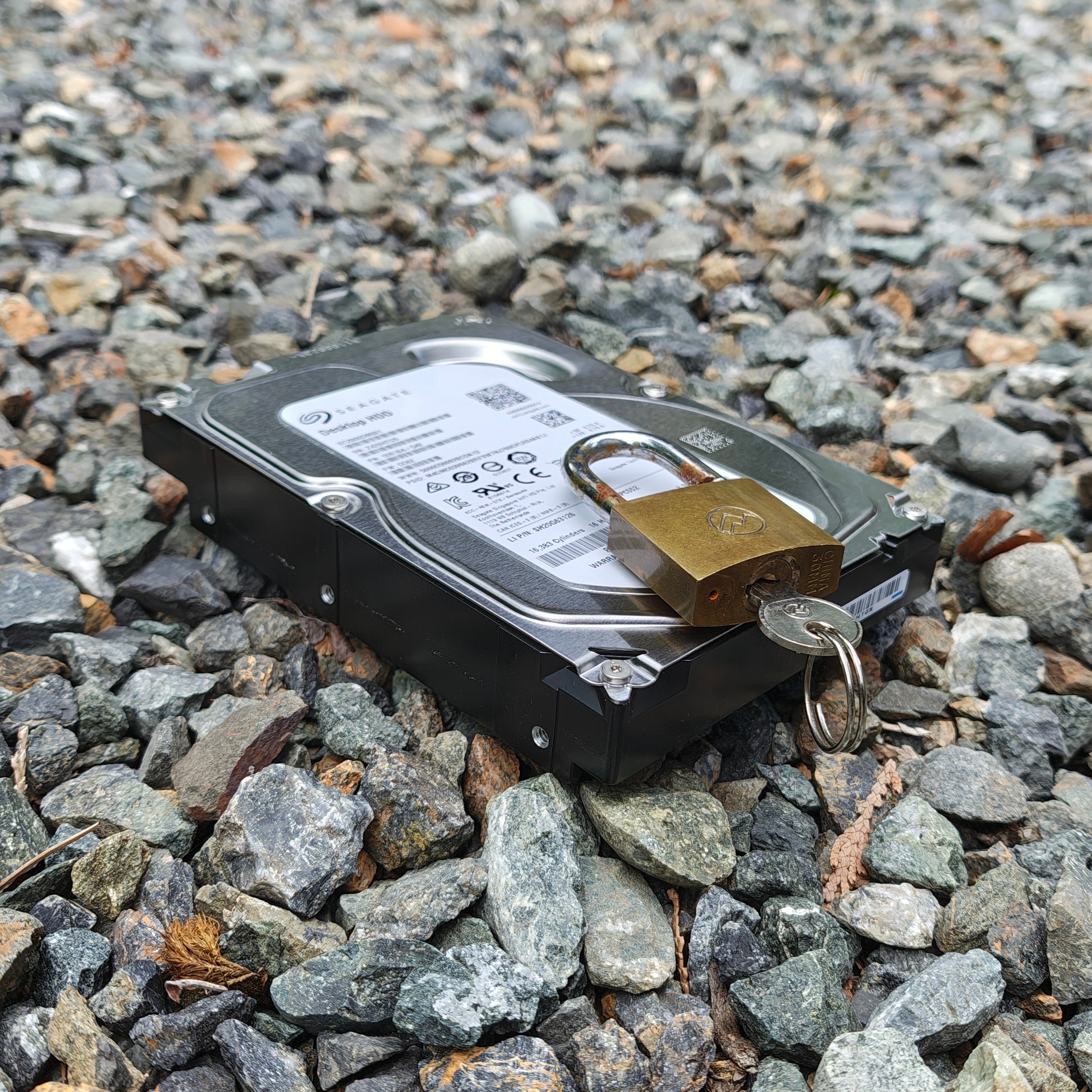
Do you run a small home server or NAS holding your precious photos and sensitive documents? If so, I suppose the drives are encrypted, right? But then… can you reboot the machine without manually entering a passphrase before being able to access your files again?
If you answered yes to the questions above—which is common for convenience—that implies the encryption keys live in the machine which… kinda defeats the purpose of disk encryption, doesn’t it? A thief can break into your house, lift the whole box (they are small these days, huh), plug it in elsewhere, and gain free rein over your files.
So, which one is it? Simplicity and reliability by allowing automatic reboots or data protection by keeping the key in your head? With ZKeys—a little new project I’m launching today—you can have your cake and eat it too.
A blog on operating systems, programming languages, testing, build systems, my own software projects and even personal productivity. Specifics include FreeBSD, Linux, Rust, Bazel and EndBASIC.


TL;DR
ZKeys is a managed service that stores encryption passphrases off-site. Client machines fetch the encryption keys from the service and keep those keys alive (unlocked) via periodic keepalive messages.
If the server stops receiving those messages for a long period of time (e.g. because it has been unplugged as part of theft), access to the key is automatically locked. You get automatic, passwordless reboots while keeping your data protected against real incidents.
Storytime
About a year ago, I was reinstalling my FreeBSD home server to act as my NAS after a short stint with a Synology box. During that process, I decided to enable encryption for the ZFS data pool. But as I did that, I faced the question: how do I allow the machine to automatically serve my data after a reboot? I could put the key in a local file, which FreeBSD supports via the keylocation ZFS option, but that would render disk encryption pretty much useless.
So I had an idea: what if I put the key on a different machine away from my house? I could then make the NAS fetch the key to mount the drives. And if someone stole the server, I could wipe the remote key and make the data unreadable before they could plug it back in. I did post this to Twitter and there was some interest in the idea:
Silly or smart? I wrote a startup rc.d script to automatically mount my encrypted ZFS pool by fetching the key from a remote server. What I want to protect against is the "drives stolen from home" case. If that happened, I could quickly remove the key. https://t.co/eZle2nJlXW
— Julio Merino (@jmmv) September 7, 2025
But… did you notice the problem with what I said above? Wiping the key by hand after noticing something is wrong is problematic because the gap between those two events may be large. What if I’m on a long vacation and I have no means of noticing that the machine has been stolen? Game over.
So I refined the idea: what if I had a service that stored the key remotely and required the consuming machine to send it frequent pings to keep the key unlocked? This way, if the machine were stolen, it’d likely be offline for more than a few minutes and the service could automatically determine that something is wrong and lock the key from future accesses. And that’s precisely what ZKeys does.
Zero-knowledge protection
Before getting into details, it’s important to get something out of the way early on: ZKeys is designed so that a compromise of the server is insufficient to retrieve or reconstruct your keys. This is done in two ways:
Split keys: The ZKeys server only stores half of the passphrase used to unlock a volume. The other half remains on the client machine. The
zkeysclient program combines both halves to produce the whole passphrase.Encryption at rest: The keys are encrypted at rest with a password that the
zkeysclient must supply for retrieval and which is securely transmitted over HTTPS. The password only lives in the server’s memory for a brief period of time.
The tradeoff is, simply, that you MUST back up the full encryption keys in a third location of your own (a paper in a safe, a password manager, you name it). If ZKeys goes down or you lose your remote key password, there is absolutely nothing I can do to help you. You have been warned. The setup instructions later on will instruct you how to back the key up.
Installation and setup
The ZKeys service is available at https://zkeys.jmmv.dev/ and the open-source client—along with system integrations for FreeBSD and Fedora—is in my jmmv/zkeys repository.
Disclaimer: ZKeys is offered to you for free. I make no promises about its reliability, availability, or anything else. I am giving you access because I expect that supporting a handful of extra users won’t be a big issue. But if support becomes a burden, or if load becomes unmanageable, I’ll have to re-evaluate my choices here. Which means that, for now, you have to use the limited
LAUNCH50code to get started!
The basic idea to set ZKeys up is the following:
- Install the
zkeysclient CLI tool. - Create a service account.
- Create a new key (or onboard an existing key).
- Configure the keep-alive service on the target machine.
- Change or add the filesystem encryption key to be the one stored in ZKeys.
- Configure the auto-mount service on the target machine.
- Reboot!
That’s all it takes, but the steps are quite manual at the moment because no upstream OSes provide packages. The service documentation covers several scenarios in detail for FreeBSD and Fedora, so I’m not going to repeat them here.
Behind the scenes
Now for the nerdy details, because that’s what you’re here for:
The CLI is Rust, of course, but it has to come with a bunch of shell scripts to integrate with FreeBSD’s rc.d system and Fedora’s systemd and dracut. These integration points are the trickiest part of the client package and the hardest to validate automatically, which is why I only provide support for the two systems I use on a daily basis. It should be possible to integrate ZKeys with any other Unix-like OS, though.
The CLI package is a frankenmonster made up of Cargo and GNU Automake/Autoconf because of the above. I believe system-level tools should abide by de facto standard tooling even if such standard tooling is deficient, so GNU Autotools it is.
I run two non-replicated instances of the service: one in US West and one in EU West, because I have machines in both locations and both rely on encryption. I strongly suggest you use the US instance as I’m seeing frequent power hiccups in my EU deployment.
The frontend uses Bootstrap, straight from the 2010s. Does it look ugly? Maybe, but I kinda like it and, most importantly, it’s functional. Of course I could have asked AI to produce yet-another-dull-site full of gradients and slop, but I did not want to do that, so I stuck to what I already knew how to do by hand from previous services.
The admin page is an SPA, yes. This is an intentional design choice that forces a very clear separation between the backend APIs and the frontend. Whatever the current web frontend can do any other client can do as well. For example: the current
zkeysCLI tool does not offer administrative operations but it could trivially be made to support them, because the APIs are right there.The backend is built on my own III-IV framework which I’ve been building up over the last few years while implementing a couple of other services. I’ve had to add a lot more features to it to make this possible though.
Let’s encrypt!
Oops, I know that’s the name of a different effort, but you really need to encrypt your local drives. With computers becoming smaller and lighter every day, it’s easier than ever to steal them, and unfortunately home break-ins are common in some parts of the world. Block-level encryption is cheap in CPU terms, so do it. ZKeys just makes this process less cumbersome for headless servers.
Once again, head to https://zkeys.jmmv.dev/ to get started and use code LAUNCH50 to create an account!
And if you are interested in helping out, I’d appreciate the creation of packages for FreeBSD and Fedora, and integration scripts for other systems.